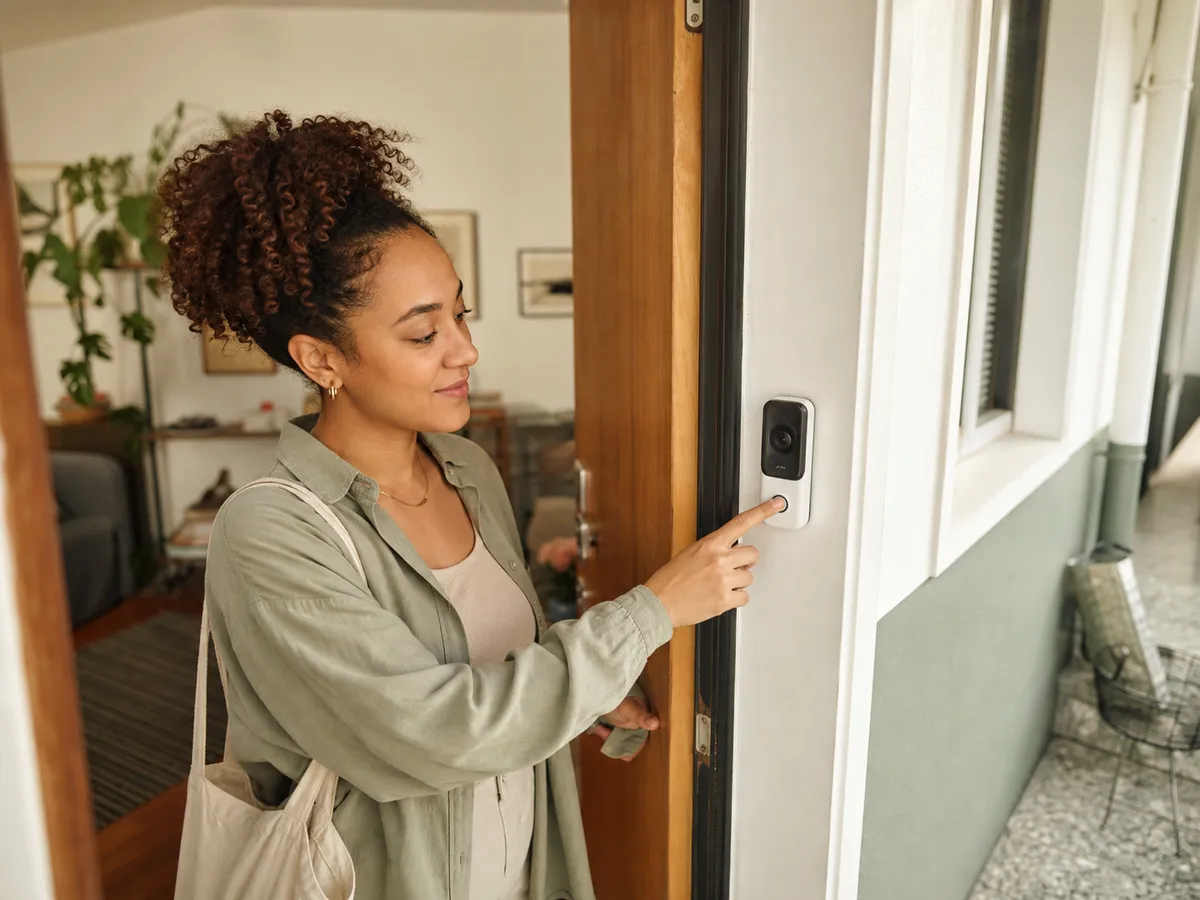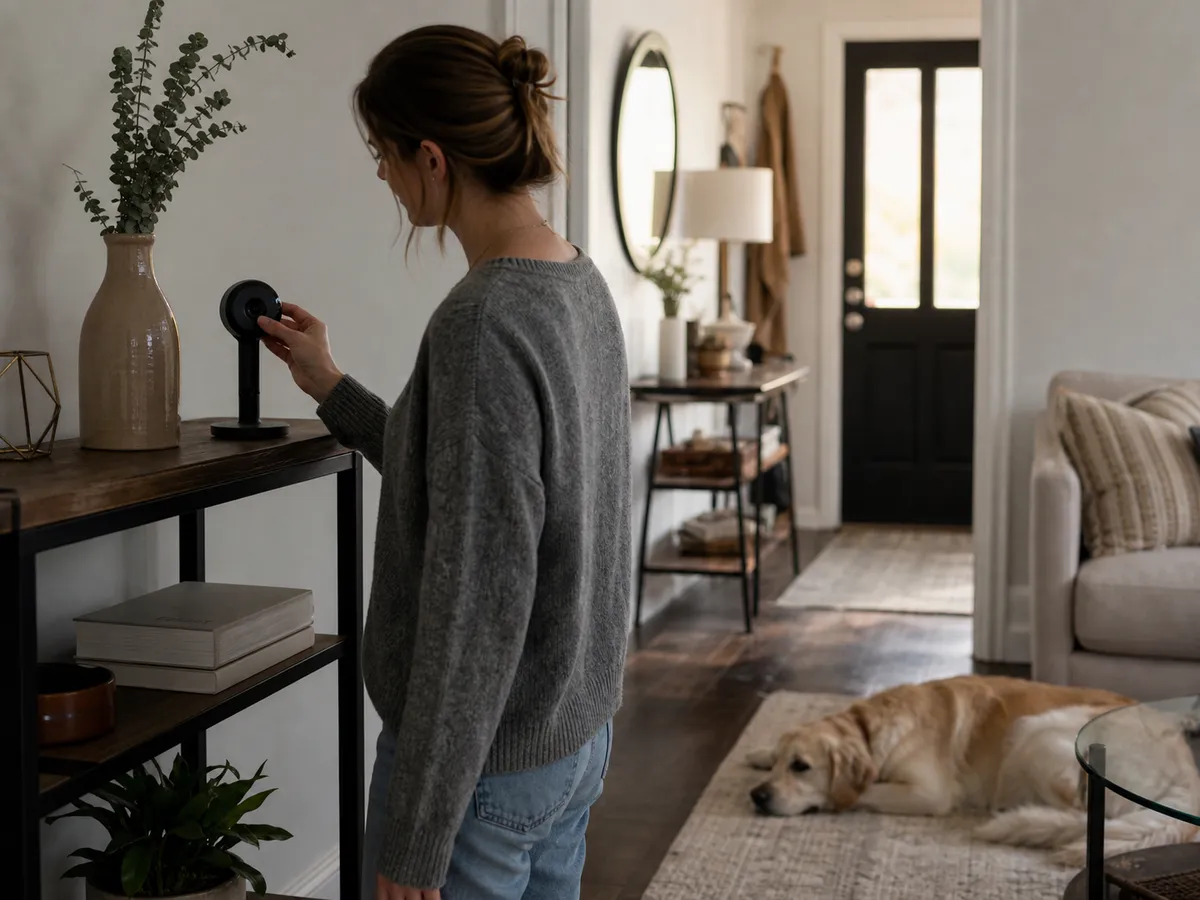
You want to check whether the dog walker arrived or see an entryway while traveling, but nobody in the household wants a camera watching the sofa all day.
Our take: Use the fewest cameras that solve a specific problem. Prefer visible privacy shutters or reliable local modes, strong account security, configurable activity zones, and clear retention controls.
Quick Picks by Household Need
Use these product types as a starting point. The right model still depends on measurements, compatibility, and the current details on the retailer or manufacturer page.
Best visible privacy
Camera with physical shutter
- Best for
- Multi-use rooms where occupants need an obvious off state
- Tradeoff
- Remote viewing is unavailable while the shutter is closed
Best local-first setup
Camera with local hub or card storage
- Best for
- Reducing routine cloud uploads
- Tradeoff
- Local media can be lost or damaged with the camera
Best entryway coverage
Fixed-view camera
- Best for
- Monitoring one controlled doorway
- Tradeoff
- Less flexible than pan-and-tilt coverage
Comparison at a Glance
| Option | Best fit | Main compromise |
|---|---|---|
| Camera with physical shutter | Multi-use rooms where occupants need an obvious off state | Remote viewing is unavailable while the shutter is closed |
| Camera with local hub or card storage | Reducing routine cloud uploads | Local media can be lost or damaged with the camera |
| Fixed-view camera | Monitoring one controlled doorway | Less flexible than pan-and-tilt coverage |
What to Look For
Placement boundaries
Aim at the doorway or defined zone, not beds, work desks, neighboring windows, or spaces used by guests.
Account security
Use unique passwords, multi-factor authentication, household roles, and a current recovery email.
Storage and retention
Know where clips live, who can access them, how long they remain, and how deletion works.
Off-state clarity
A physical shutter, hardware button, or obvious status light is easier for everyone to trust than an app-only toggle.
Buying Advice for Real Homes
Write the event you need to verify in one sentence. “I need to know when the front door opens while we are away” produces a narrower and more respectful setup than “I want to see the whole room.”
Review household access every few months. Remove old phones, former roommates, service providers, and integrations that no longer need permission.
Treat microphones separately from video. Two-way talk may be useful at an entry, while continuous audio in a shared living space may create more privacy risk than value.
Mistakes Worth Avoiding
- Covering private areas because the lens is wide
- Reusing a password from another service
- Keeping indefinite cloud history without a reason
- Assuming a status light cannot be disabled
How We Build This Guidance
We map the purchase to realistic rooms and routines, review the product category’s published specifications, identify compatibility and maintenance questions, and explain tradeoffs without manufacturing scores or personal experience. Product availability and features change, so verify current details before buying.
Frequently Asked Questions
Is local storage always more private?
It can reduce cloud dependence, but privacy still depends on account security, app access, network design, and physical protection of the storage.
Should an indoor camera record continuously?
Most households need event-based recording in a defined zone. Continuous recording creates more footage to secure and review.
Where should a camera never go?
Avoid bedrooms, bathrooms, changing spaces, and any location where occupants or guests reasonably expect privacy.