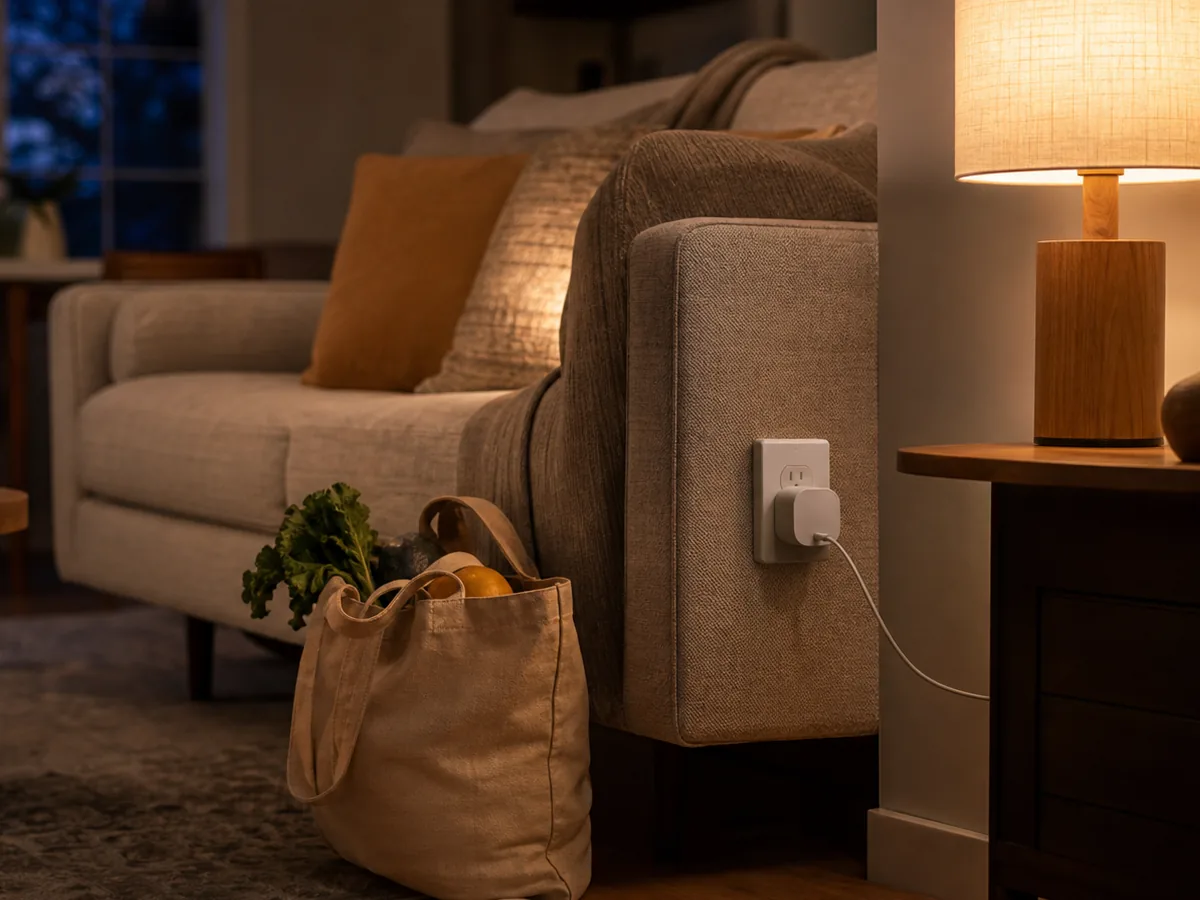
One person uses an iPhone, another prefers Android, and the house already has a voice speaker. You want a few devices everyone can control without replacing the whole setup.
Our take: Begin with the controller already supported in your household, then add one Matter device that solves a visible problem. Check whether it uses Wi-Fi or Thread, keep setup codes, and avoid assuming every advanced feature is standardized.
Quick Picks by Household Need
Use these product types as a starting point. The right model still depends on measurements, compatibility, and the current details on the retailer or manufacturer page.
Best first device
Matter smart plug
- Best for
- Learning setup with a lamp or simple appliance
- Tradeoff
- Does not demonstrate every smart-home capability
Best lighting start
Matter tunable-white bulb
- Best for
- A shared room with repeatable lighting routines
- Tradeoff
- Wall-switch habits still matter
Best automation start
Matter contact or motion sensor
- Best for
- Local routines that trigger lights or alerts
- Tradeoff
- May require a Thread border router
Comparison at a Glance
| Option | Best fit | Main compromise |
|---|---|---|
| Matter smart plug | Learning setup with a lamp or simple appliance | Does not demonstrate every smart-home capability |
| Matter tunable-white bulb | A shared room with repeatable lighting routines | Wall-switch habits still matter |
| Matter contact or motion sensor | Local routines that trigger lights or alerts | May require a Thread border router |
What to Look For
Controller
You need a compatible ecosystem controller; the app on a phone alone may not provide away access or continuous automations.
Transport
Matter devices use technologies such as Wi-Fi or Thread. Thread products need a compatible border router in the home.
Feature parity
Basic controls may work across platforms while scenes, energy data, adaptive lighting, or firmware tools remain maker-specific.
Setup-code ownership
Store pairing codes securely with household records so devices can be reset or moved to a new controller.
Buying Advice for Real Homes
Inventory controllers you already own before purchasing another hub. A recent speaker, display, streaming box, or router may already provide the needed Matter or Thread role.
Choose one platform as the administrative home even if devices are shared to another ecosystem. Clear ownership makes updates, resets, and household permissions easier to manage.
Build a small reliable routine before expanding. A porch lamp schedule or hallway motion light teaches more about network coverage and household behavior than buying a box of unrelated devices.
Mistakes Worth Avoiding
- Buying Thread devices without a border router
- Assuming the Matter logo guarantees every advertised feature everywhere
- Discarding setup codes
- Adding many devices before testing one routine
How We Build This Guidance
We map the purchase to realistic rooms and routines, review the product category’s published specifications, identify compatibility and maintenance questions, and explain tradeoffs without manufacturing scores or personal experience. Product availability and features change, so verify current details before buying.
Frequently Asked Questions
Does Matter replace Wi-Fi?
No. Matter is an application standard that can run over networks such as Wi-Fi, Ethernet, or Thread.
Do I still need manufacturer apps?
Often for setup support, firmware updates, diagnostics, or advanced features, even when daily control occurs elsewhere.
Will every Matter device work with every ecosystem?
Core compatibility is the goal, but device categories, controller versions, regions, and advanced features still need verification.