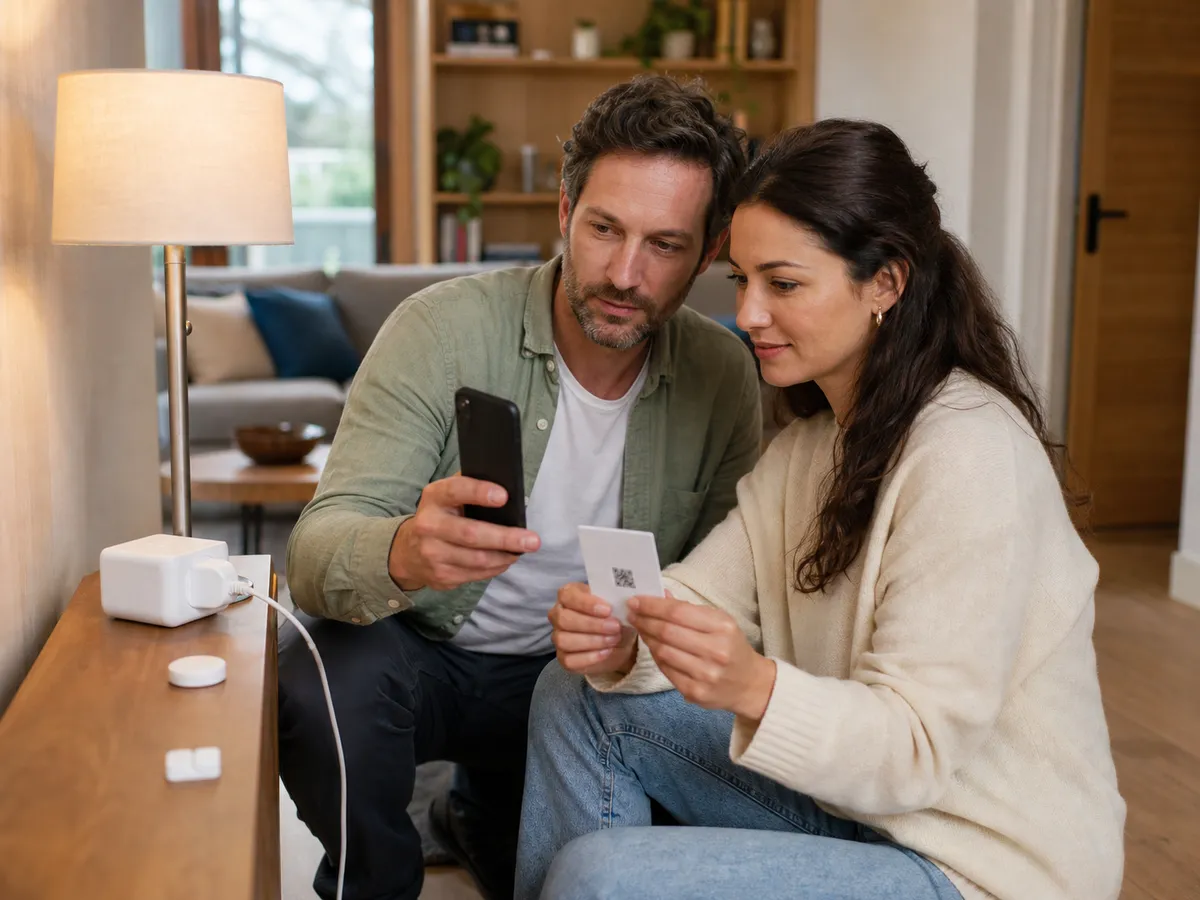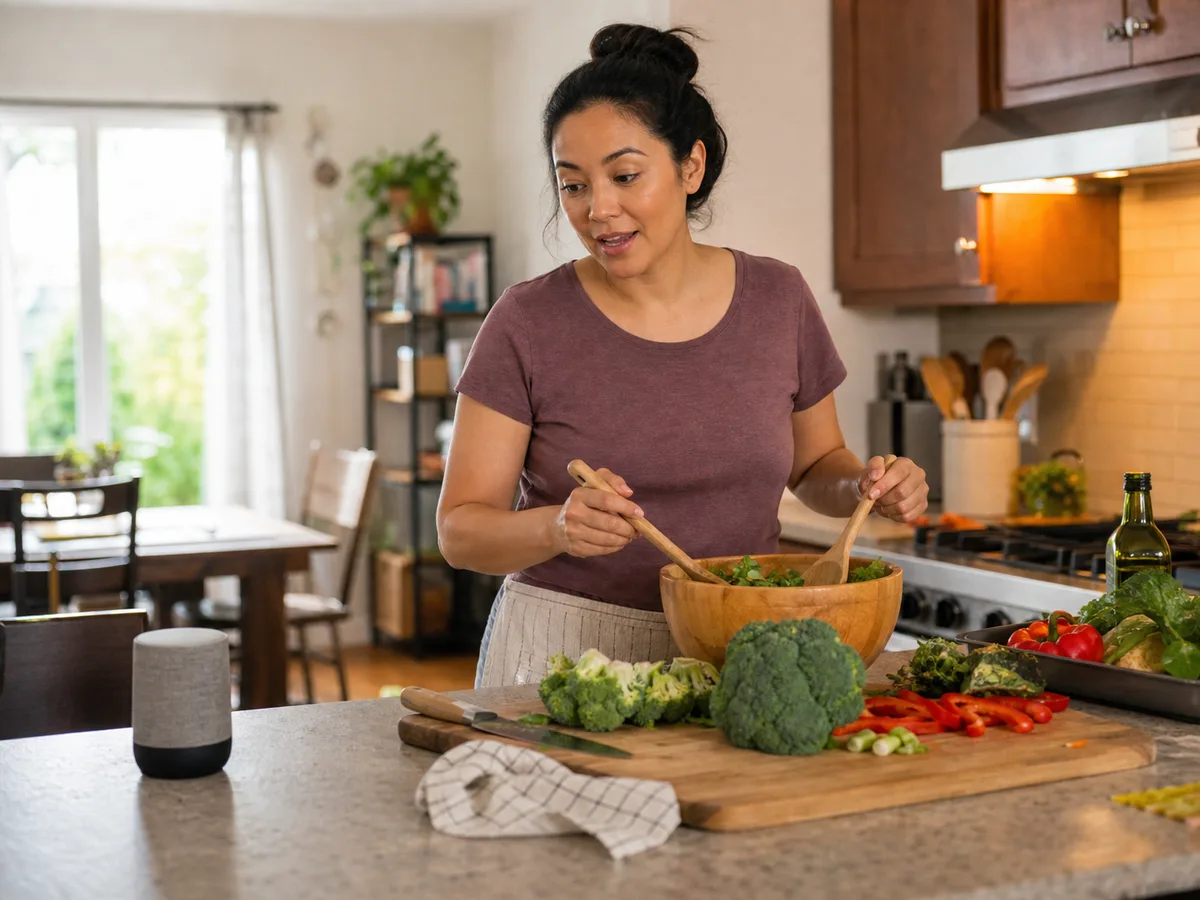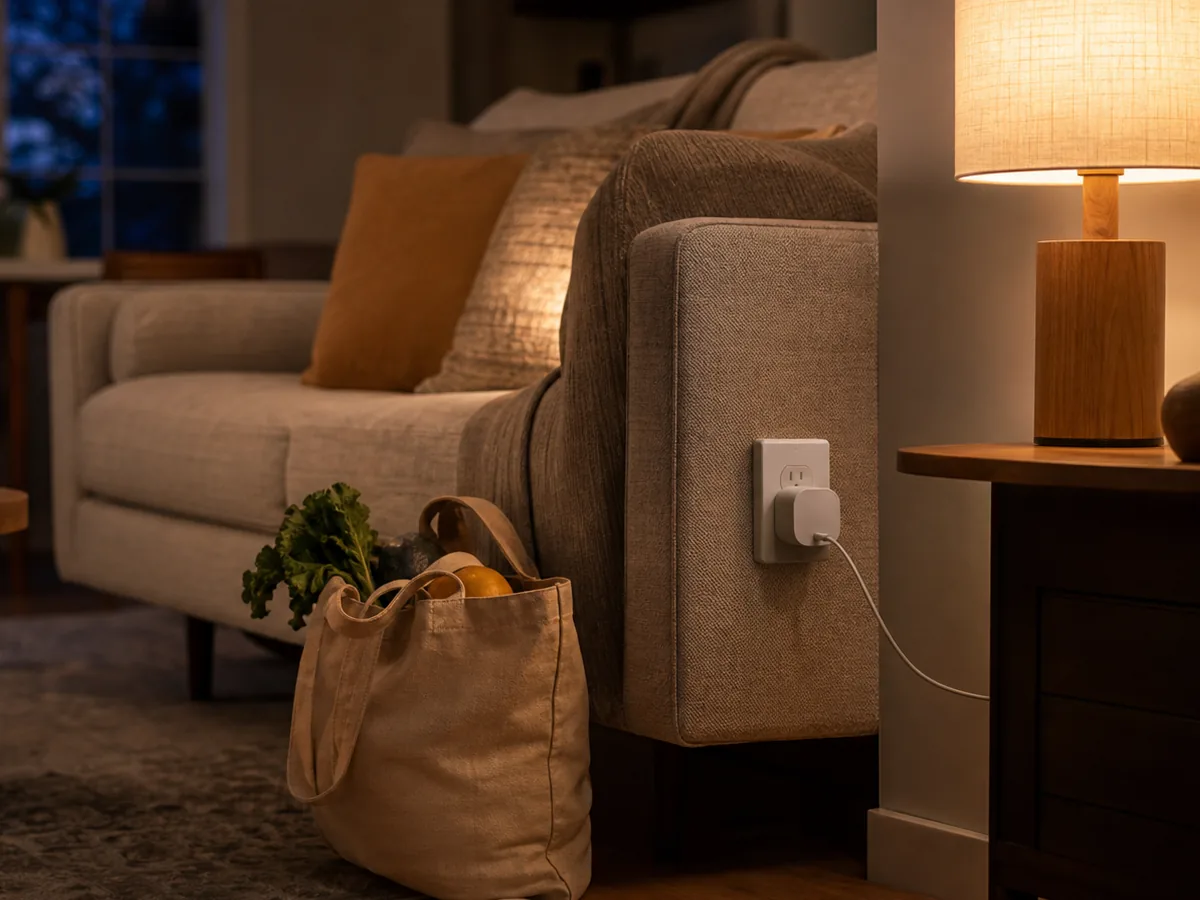
You come home after dark with groceries in both hands, or you want a hallway lamp to switch on before the first person wakes. A smart plug can solve that small friction without replacing a lamp you already like.
Our take: For most rooms, choose a compact indoor plug with a physical button, clear scheduling, and support for the voice platform already used in the household. Energy monitoring is worth adding only when you have a specific appliance or usage question.
Quick Picks by Household Need
Use these product types as a starting point. The right model still depends on measurements, compatibility, and the current details on the retailer or manufacturer page.
Best simple setup
Compact Wi-Fi plug
- Best for
- One or two lamps and straightforward schedules
- Tradeoff
- Usually depends on the maker’s app and cloud service
Best connected-home fit
Matter-compatible plug
- Best for
- Households that mix Apple, Google, Alexa, or SmartThings
- Tradeoff
- Setup quality still varies by controller and router
Best for usage insight
Energy-monitoring plug
- Best for
- Tracking a dehumidifier, office setup, or entertainment center
- Tradeoff
- Costs more and creates data you may not regularly use
Comparison at a Glance
| Option | Best fit | Main compromise |
|---|---|---|
| Compact Wi-Fi plug | One or two lamps and straightforward schedules | Usually depends on the maker’s app and cloud service |
| Matter-compatible plug | Households that mix Apple, Google, Alexa, or SmartThings | Setup quality still varies by controller and router |
| Energy-monitoring plug | Tracking a dehumidifier, office setup, or entertainment center | Costs more and creates data you may not regularly use |
What to Look For
Outlet clearance
Measure the plug body and check whether it blocks the second receptacle, a wall switch, or furniture pushed close to the wall.
Load rating
Match the plug’s stated electrical rating to the connected device. Avoid using a smart plug with heaters or motor loads unless the manufacturer explicitly permits that use.
Local controls
A reachable physical button keeps the lamp usable when Wi-Fi, an app, or a voice assistant is unavailable.
Platform and privacy
Prefer a product that works with your existing controller, provides security updates, and explains what data leaves the home.
Buying Advice for Real Homes
Start with one routine, such as switching a living-room lamp on at sunset and off at bedtime. A single dependable automation proves more useful than a long list of scenes that nobody remembers.
Place the plug before committing to a multi-pack. Deep furniture, sideways outlets, power strips, and decorative wall plates can change whether a compact-looking design actually fits.
If the household may change ecosystems, Matter support can reduce lock-in. It does not eliminate the need to check controller compatibility, firmware support, and whether advanced features remain tied to the manufacturer app.
Mistakes Worth Avoiding
- Connecting a space heater without explicit load approval
- Buying a wide plug that blocks the second outlet
- Choosing a new app ecosystem for one minor automation
- Removing every manual way to control the lamp
How We Build This Guidance
We map the purchase to realistic rooms and routines, review the product category’s published specifications, identify compatibility and maintenance questions, and explain tradeoffs without manufacturing scores or personal experience. Product availability and features change, so verify current details before buying.
Frequently Asked Questions
Do smart plugs work when the internet is down?
The physical button should still work. Schedules and app control depend on the product: some run locally, while others need cloud access.
Can a smart plug dim a lamp?
A normal on/off smart plug cannot dim. Use a purpose-built smart dimmer plug and a compatible dimmable lamp.
Is Matter required?
No. It is most useful when you want flexibility across ecosystems or prefer local controller-based automations.