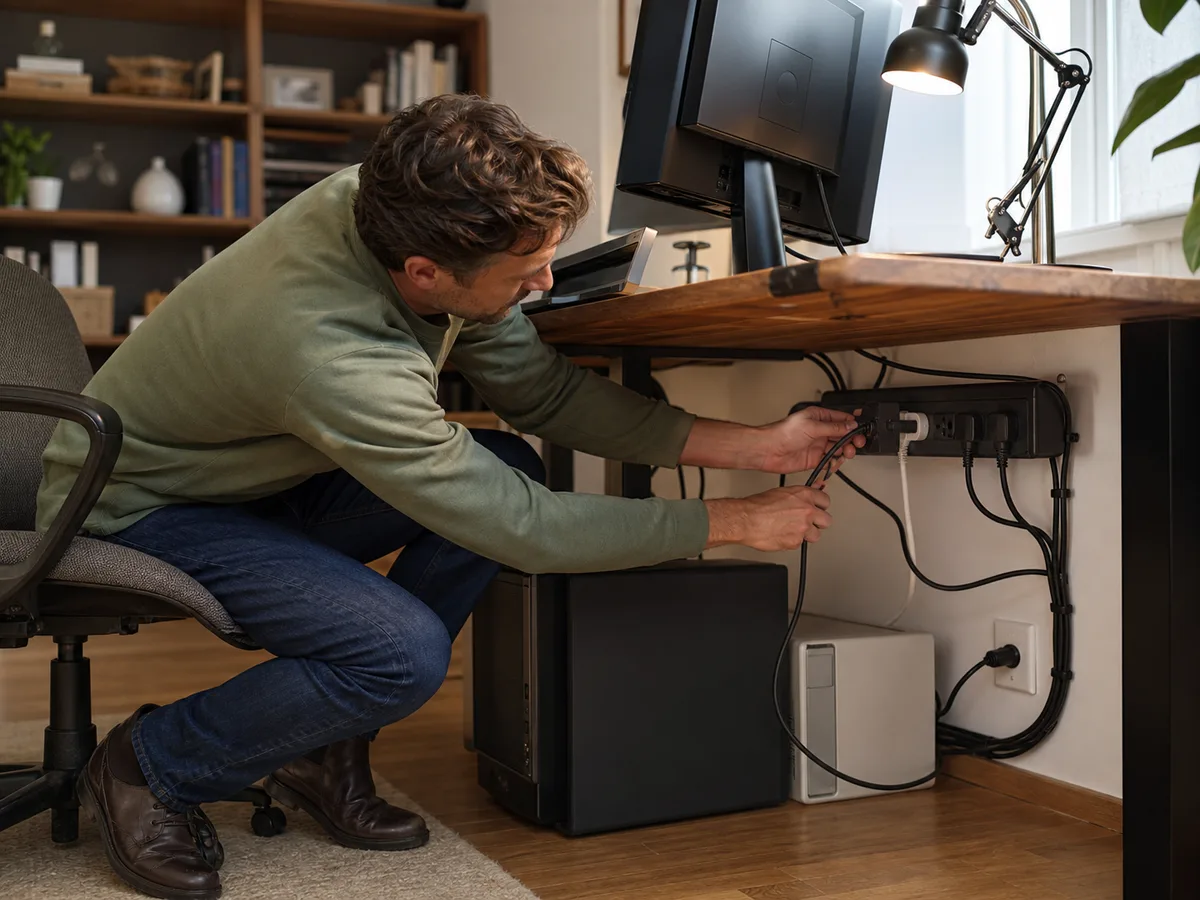
A monitor brick blocks two sockets, the router must stay online, and charging cables cross the floor whenever the laptop moves.
Our take: Choose a listed surge protector with clear protection status, widely spaced outlets, and enough cord length for safe placement. A UPS is the better tool for brief outages and graceful shutdowns.
Quick Picks by Household Need
Use these product types as a starting point. The right model still depends on measurements, compatibility, and the current details on the retailer or manufacturer page.
Best desk setup
Wide-spaced surge strip
- Best for
- Computers, monitors, and chargers
- Tradeoff
- Takes more floor or cable-tray space
Best compact charging
Surge tower with USB-C
- Best for
- Mixed adapters on a desktop
- Tradeoff
- Top-heavy designs need stable placement
Best outage protection
UPS battery backup
- Best for
- Routers, desktops, and safe shutdown
- Tradeoff
- Battery replacement, size, and audible alerts
Comparison at a Glance
| Option | Best fit | Main compromise |
|---|---|---|
| Wide-spaced surge strip | Computers, monitors, and chargers | Takes more floor or cable-tray space |
| Surge tower with USB-C | Mixed adapters on a desktop | Top-heavy designs need stable placement |
| UPS battery backup | Routers, desktops, and safe shutdown | Battery replacement, size, and audible alerts |
What to Look For
Fit and placement
Plan wall outlet load, brick spacing, cord route, ventilation, and mounting.
Everyday performance
Check electrical listing, surge status indication, ratings, and equipment limits.
Upkeep and durability
Replace damaged units and understand whether protection components age or fail.
Total cost and flexibility
A UPS, longer cord, USB charging, and replacement cycle change total cost.
Buying Advice for Real Homes
Begin with the home office power corner rather than the product page. Measure the available space, note nearby outlets or storage, and walk through the moment when you would actually use the a surge protector. A feature is valuable only when it removes friction from that routine.
Compare the three product types above by the compromise you can live with. Check the current dimensions, included accessories, warranty, return window, and care instructions on the manufacturer or retailer page before ordering; those details can change and often matter more than a long feature list.
When possible, test the decision with what you already own: mark the footprint with tape, notice the room's normal noise level, and identify who will clean, charge, store, or adjust the a surge protector. Buying for the least convenient day usually leads to a better long-term fit.
Mistakes Worth Avoiding
- Daisy-chaining power strips
- Running cords under rugs
- Assuming every outlet is surge-protected
- Using a surge strip where backup power is needed
How We Build This Guidance
We map the purchase to realistic rooms and routines, review the product category’s published specifications, identify compatibility and maintenance questions, and explain tradeoffs without manufacturing scores or personal experience. Product availability and features change, so verify current details before buying.
Frequently Asked Questions
Does a surge protector last forever?
No; protection components can degrade, and status indicators or manufacturer guidance should inform replacement.
Do I need a UPS?
Use one when brief outages or sudden shutdowns would interrupt important equipment or data.
Can I plug one strip into another?
Avoid daisy-chaining; use a properly sized solution connected as directed.