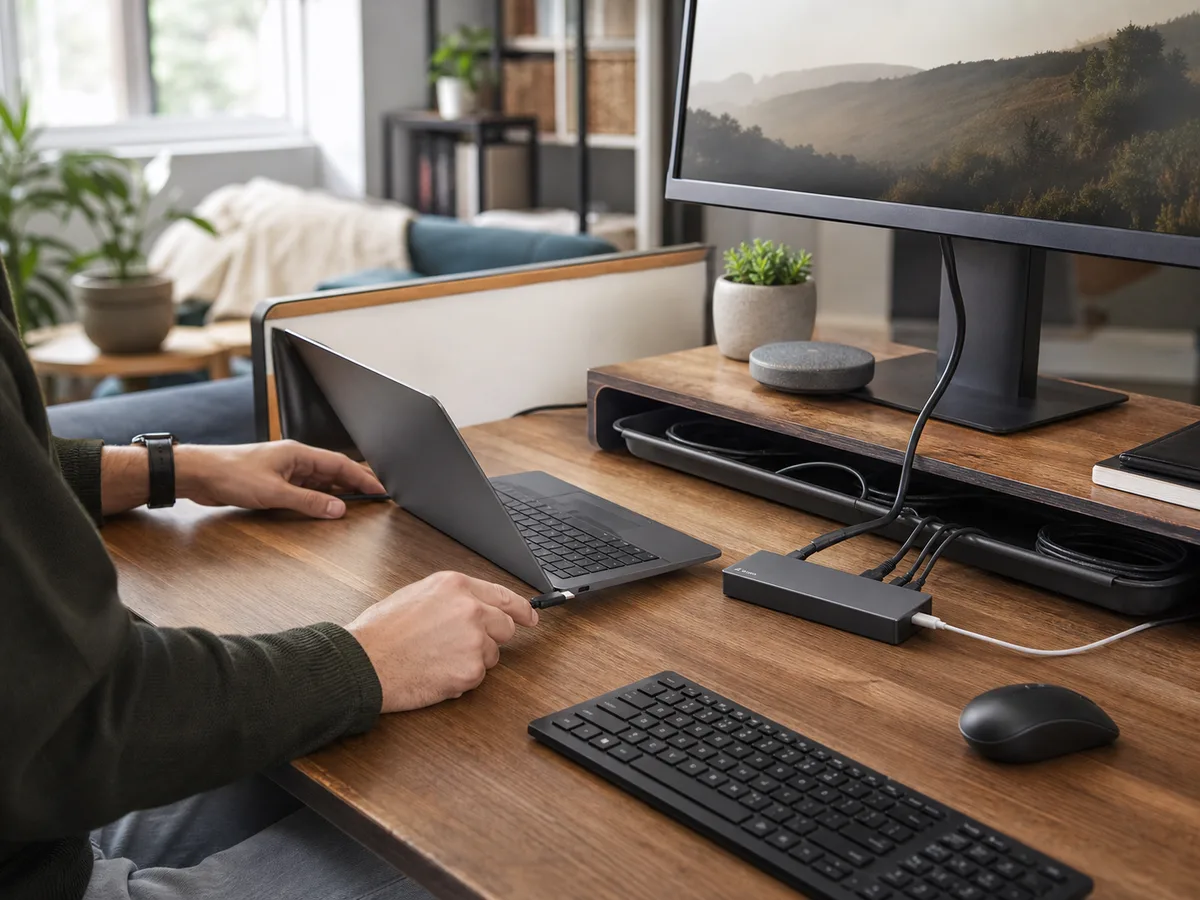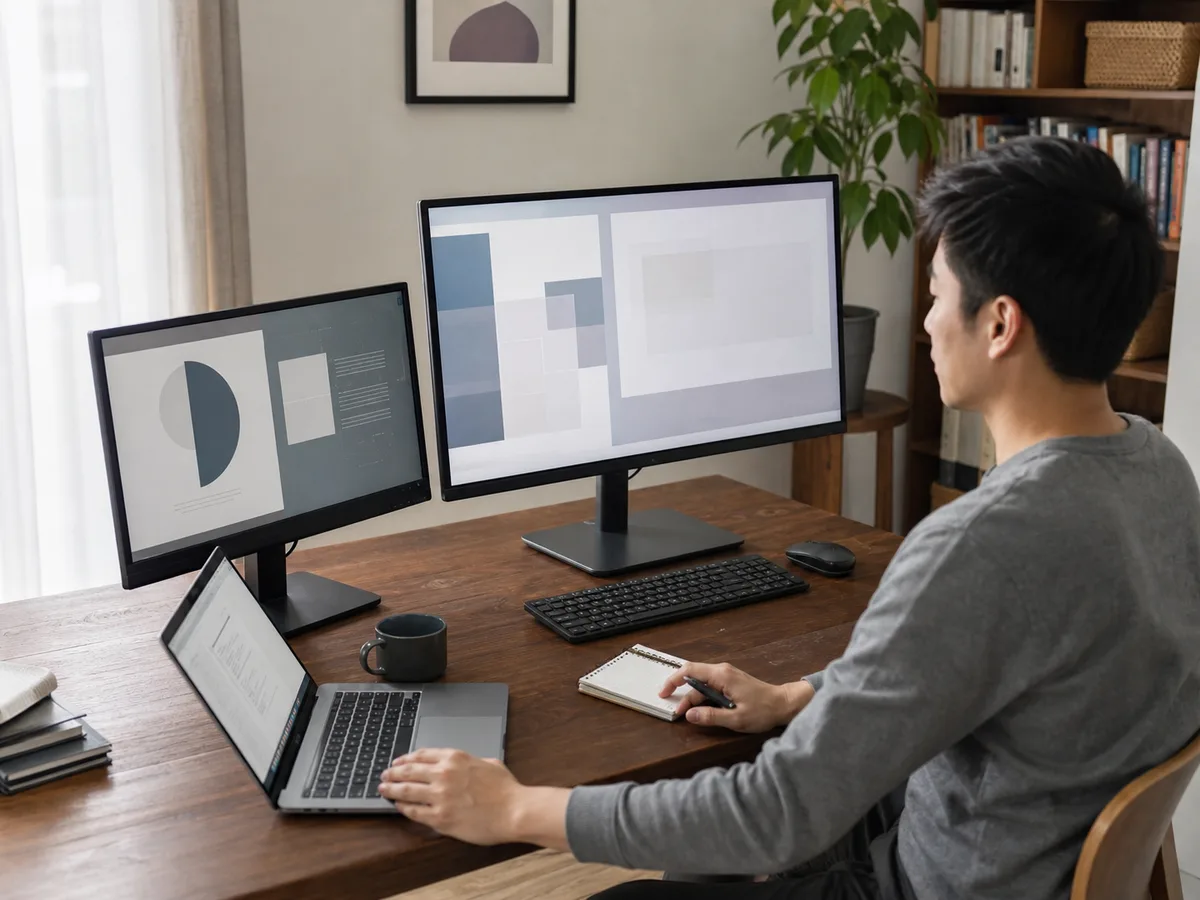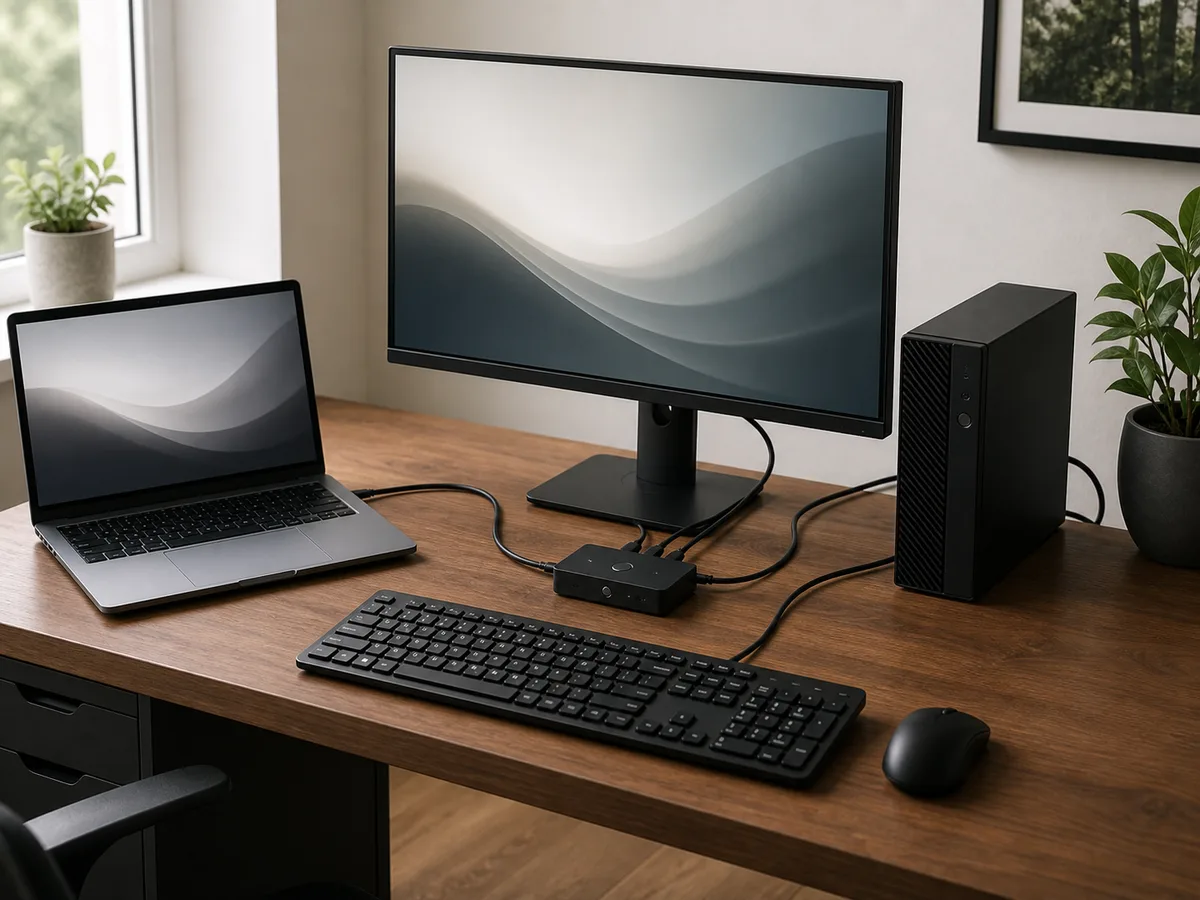
A work laptop and personal desktop share one monitor, but swapping cables disrupts meetings and leaves the keyboard paired to the wrong machine.
Our take: A two-computer KVM matched to the monitor’s resolution and refresh needs is the cleanest setup for wired peripherals. A USB-only switch is simpler when each computer already has its own display input.
Quick Picks by Household Need
Use these product types as a starting point. The right model still depends on measurements, compatibility, and the current details on the retailer or manufacturer page.
Best full desk sharing
Two-port display KVM
- Best for
- One monitor, keyboard, and mouse across two computers
- Tradeoff
- Display compatibility needs careful checking
Best simple peripheral share
USB sharing switch
- Best for
- Monitors with separate inputs for each computer
- Tradeoff
- Display still changes through the monitor controls
Best laptop desk
KVM dock with power delivery
- Best for
- One-cable laptop connection plus a desktop
- Tradeoff
- Charging and display support vary by host
Comparison at a Glance
| Option | Best fit | Main compromise |
|---|---|---|
| Two-port display KVM | One monitor, keyboard, and mouse across two computers | Display compatibility needs careful checking |
| USB sharing switch | Monitors with separate inputs for each computer | Display still changes through the monitor controls |
| KVM dock with power delivery | One-cable laptop connection plus a desktop | Charging and display support vary by host |
What to Look For
Fit and placement
Map every computer port, monitor input, peripheral plug, button location, cable length, and the path to hide excess cable.
Everyday performance
Confirm the exact resolution, refresh rate, color features, and adapter chain required by both computers and the display.
Upkeep and durability
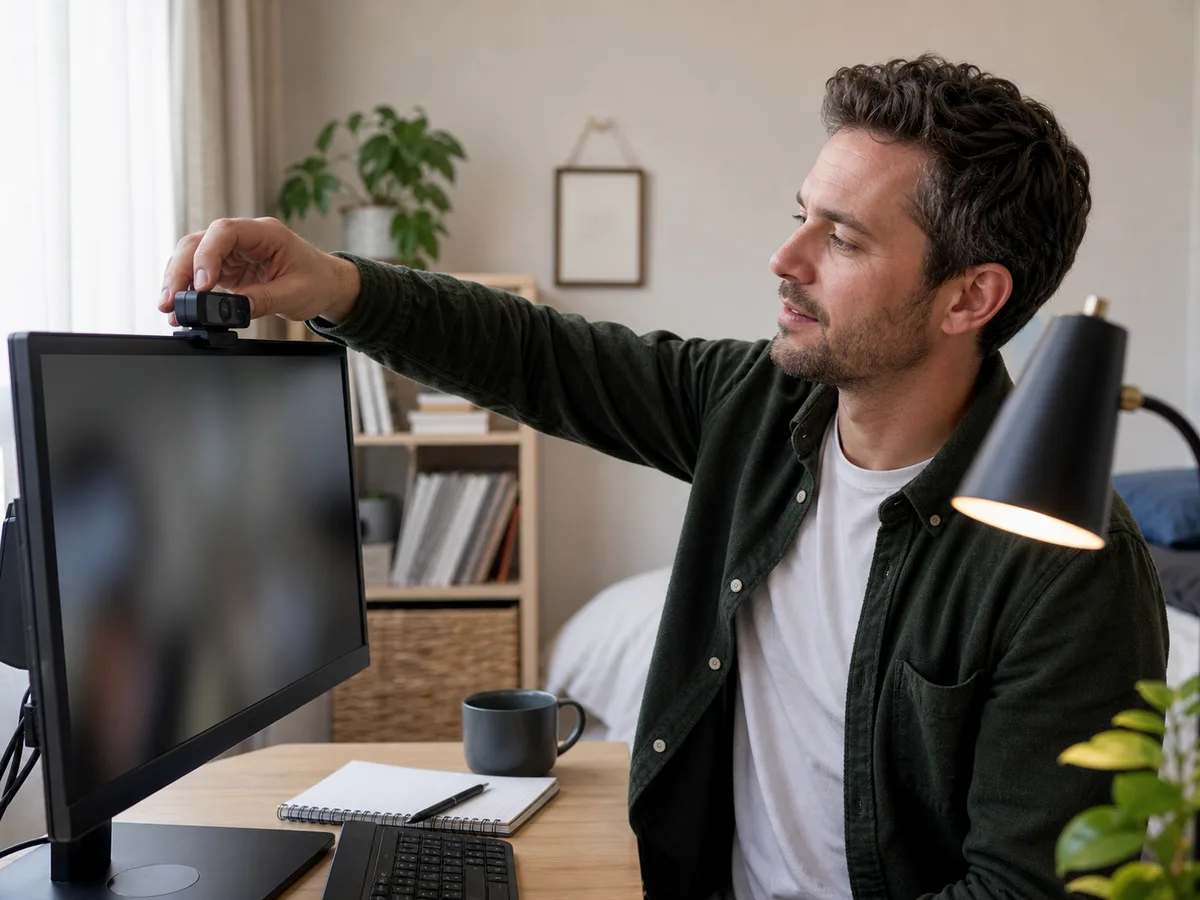
Check hotkey behavior, keyboard compatibility, USB bandwidth, webcam needs, and how devices reconnect after switching.
Total cost and flexibility
Include required cables, laptop charging, powered USB needs, return terms, and future monitor upgrades in the total cost.
Buying Advice for Real Homes
Begin with the dual-computer home office rather than the product page. Measure the available space, note nearby outlets or storage, and walk through the moment when you would actually use the a KVM switch. A feature is valuable only when it removes friction from that routine.
Compare the three product types above by the compromise you can live with. Check the current dimensions, included accessories, warranty, return window, and care instructions on the manufacturer or retailer page before ordering; those details can change and often matter more than a long feature list.
When possible, test the decision with what you already own: mark the footprint with tape, notice the room's normal noise level, and identify who will clean, charge, store, or adjust the a KVM switch. Buying for the least convenient day usually leads to a better long-term fit.
Mistakes Worth Avoiding
- Buying by connector shape without checking video standards
- Expecting a basic KVM to charge a laptop
- Sharing a high-bandwidth webcam through a slow USB path
- Hiding the switch button where it is annoying to reach
How We Build This Guidance
We map the purchase to realistic rooms and routines, review the product category’s published specifications, identify compatibility and maintenance questions, and explain tradeoffs without manufacturing scores or personal experience. Product availability and features change, so verify current details before buying.
Frequently Asked Questions
Will a KVM reduce monitor quality?
A correctly matched unit should pass its supported signal, but resolution, refresh rate, HDR, adapters, and cable length must all fit within the same path.
Can Bluetooth devices switch through a KVM?
Usually the computer owns the Bluetooth connection. Wired or receiver-based peripherals are more predictable when sharing.
Do I need a KVM if the monitor has two inputs?
A USB sharing switch may be enough if the monitor can change video inputs conveniently and only the keyboard, mouse, or webcam must move.