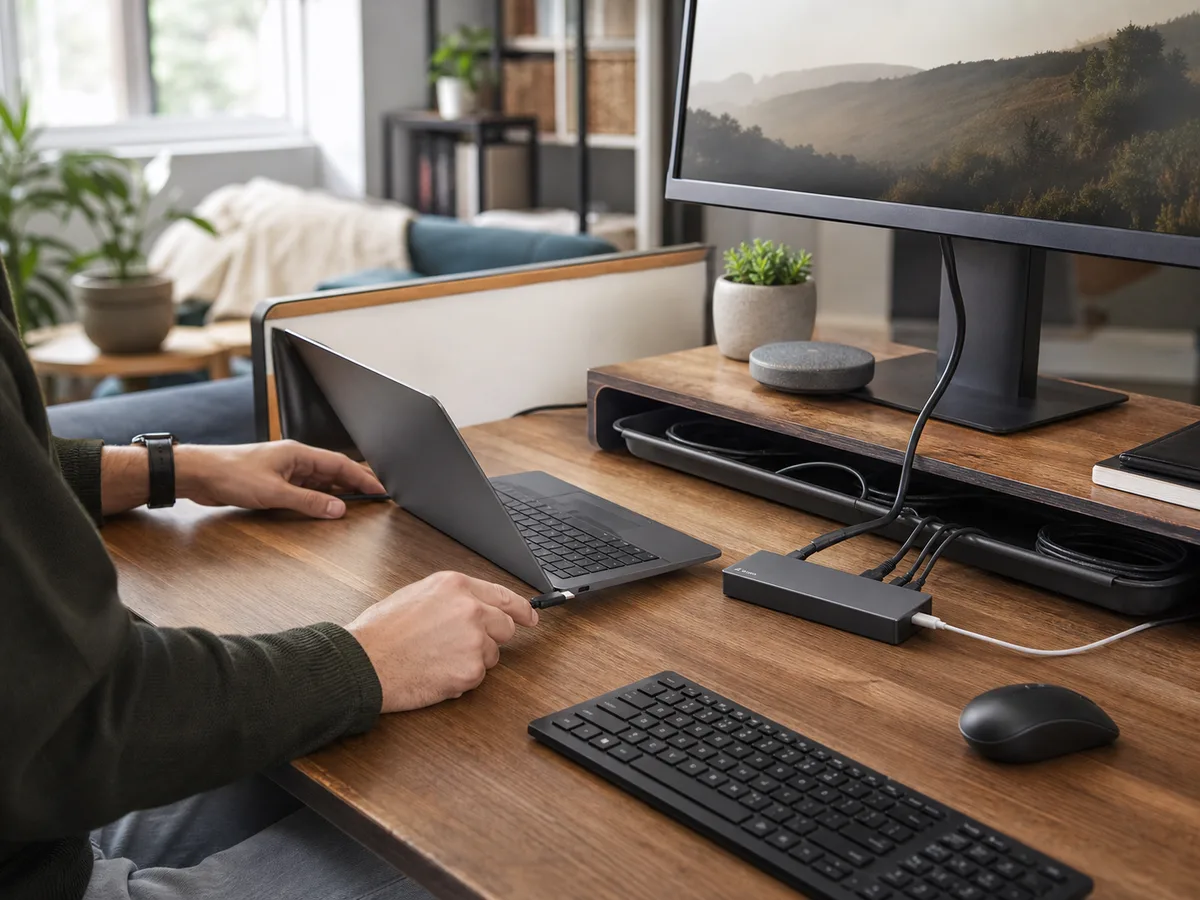
Spreadsheets feel cramped on a laptop, afternoon light reflects off the screen, and the desk must still fit notebooks and a video-call camera.
Our take: A 27-inch QHD-class monitor is a balanced office choice for many desks; prioritize text clarity, useful height adjustment, and the right input over gaming specifications you will not use.
Quick Picks by Household Need
Use these product types as a starting point. The right model still depends on measurements, compatibility, and the current details on the retailer or manufacturer page.
Best balanced office
27-inch QHD monitor
- Best for
- Documents, browsing, and mixed work
- Tradeoff
- Needs moderate desk depth
Best compact desk
24-inch FHD monitor
- Best for
- Shallow desks and basic tasks
- Tradeoff
- Less workspace and lower pixel density
Best single-cable desk
USB-C office monitor
- Best for
- Laptop charging and fewer cables
- Tradeoff
- Charging and hub features raise cost
Comparison at a Glance
| Option | Best fit | Main compromise |
|---|---|---|
| 27-inch QHD monitor | Documents, browsing, and mixed work | Needs moderate desk depth |
| 24-inch FHD monitor | Shallow desks and basic tasks | Less workspace and lower pixel density |
| USB-C office monitor | Laptop charging and fewer cables | Charging and hub features raise cost |
What to Look For
Fit and placement
Measure viewing distance, stand depth, camera position, and window reflections.
Everyday performance
Match resolution, scale, refresh rate, and inputs to the computer and work.
Upkeep and durability
Check stand adjustment, VESA support, controls, and panel-cleaning guidance.
Total cost and flexibility
Include cables, monitor arm, warranty handling, and possible return shipping.
Buying Advice for Real Homes
Begin with the bright home office rather than the product page. Measure the available space, note nearby outlets or storage, and walk through the moment when you would actually use the a computer monitor. A feature is valuable only when it removes friction from that routine.
Compare the three product types above by the compromise you can live with. Check the current dimensions, included accessories, warranty, return window, and care instructions on the manufacturer or retailer page before ordering; those details can change and often matter more than a long feature list.
When possible, test the decision with what you already own: mark the footprint with tape, notice the room's normal noise level, and identify who will clean, charge, store, or adjust the a computer monitor. Buying for the least convenient day usually leads to a better long-term fit.
Mistakes Worth Avoiding
- Buying too large for the viewing distance
- Ignoring stand footprint
- Assuming USB-C always charges the laptop adequately
- Chasing color claims irrelevant to the work
How We Build This Guidance
We map the purchase to realistic rooms and routines, review the product category’s published specifications, identify compatibility and maintenance questions, and explain tradeoffs without manufacturing scores or personal experience. Product availability and features change, so verify current details before buying.
Frequently Asked Questions
Is 4K necessary for office work?
It can improve text detail, but scaling, screen size, computer output, and budget matter.
Do I need a high refresh rate?
It can feel smoother, though routine office work usually benefits more from ergonomics and clarity.
Should I use a monitor arm?
It can free desk space if the desk, VESA mount, and weight are compatible.