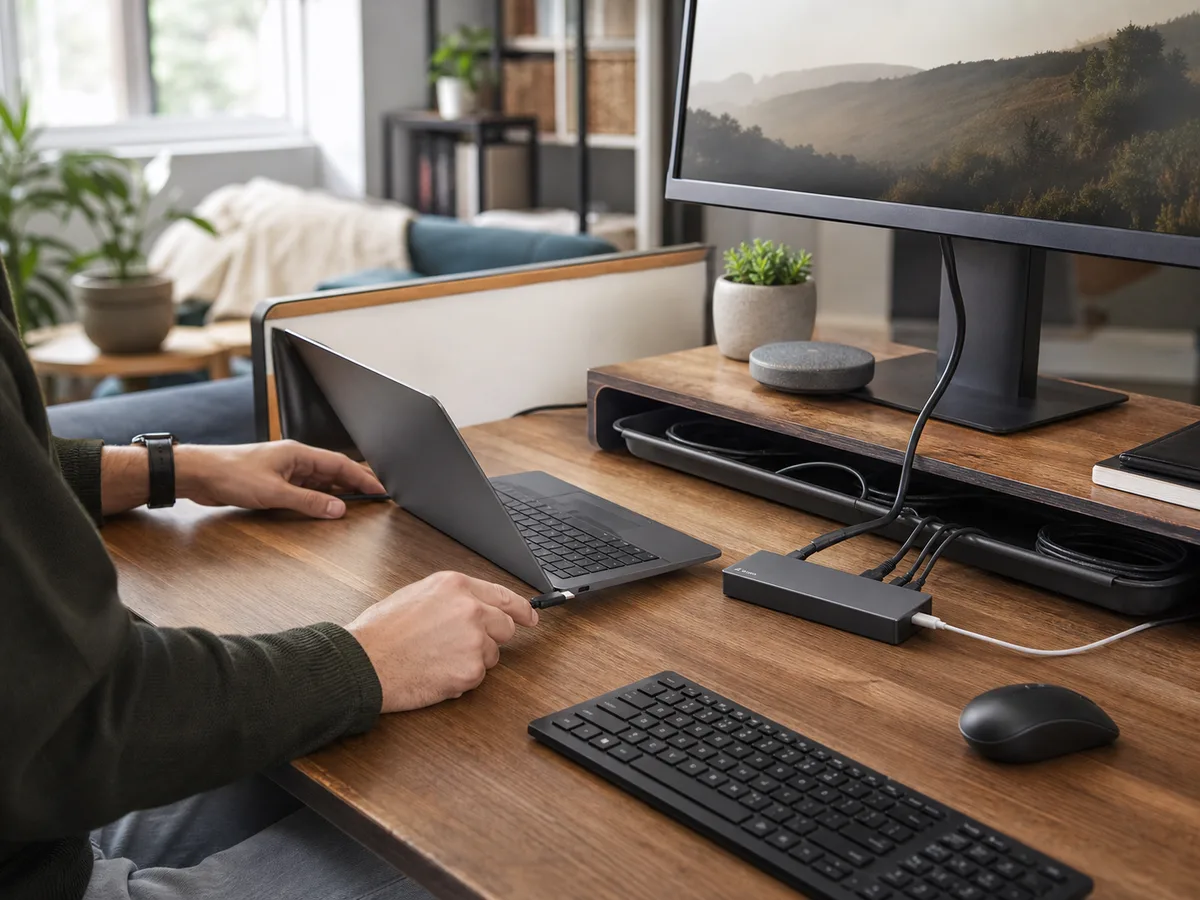
Neck strain builds during long spreadsheet sessions, the laptop fan runs against a soft notebook, and the shared desk must clear for homework at night.
Our take: A stable adjustable stand plus external keyboard and mouse creates the most usable long-session setup. A fixed portable stand suits hybrid workers who know their preferred height.
Quick Picks by Household Need
Use these product types as a starting point. The right model still depends on measurements, compatibility, and the current details on the retailer or manufacturer page.
Best full workday
Adjustable desktop stand
- Best for
- Dedicated desks and changing users
- Tradeoff
- Needs separate keyboard and mouse
Best portable setup
Folding fixed-angle stand
- Best for
- Hybrid work and light bags
- Tradeoff
- Less height and stability adjustment
Best desk clearing
Vertical storage stand
- Best for
- Docked laptops used closed
- Tradeoff
- Not a working stand for the open screen
Comparison at a Glance
| Option | Best fit | Main compromise |
|---|---|---|
| Adjustable desktop stand | Dedicated desks and changing users | Needs separate keyboard and mouse |
| Folding fixed-angle stand | Hybrid work and light bags | Less height and stability adjustment |
| Vertical storage stand | Docked laptops used closed | Not a working stand for the open screen |
What to Look For
Fit and placement
Check screen eye line, keyboard position, desk depth, and cable pull.
Everyday performance
Match stand load, hinge resistance, contact points, and ventilation to the laptop.
Upkeep and durability
Choose non-marking pads and joints that stay tight and clean.
Total cost and flexibility
Account for external input devices, travel weight, and return fit.
Buying Advice for Real Homes
Begin with the compact desk rather than the product page. Measure the available space, note nearby outlets or storage, and walk through the moment when you would actually use the a laptop stand. A feature is valuable only when it removes friction from that routine.
Compare the three product types above by the compromise you can live with. Check the current dimensions, included accessories, warranty, return window, and care instructions on the manufacturer or retailer page before ordering; those details can change and often matter more than a long feature list.
When possible, test the decision with what you already own: mark the footprint with tape, notice the room's normal noise level, and identify who will clean, charge, store, or adjust the a laptop stand. Buying for the least convenient day usually leads to a better long-term fit.
Mistakes Worth Avoiding
- Raising the laptop while still typing on it all day
- Blocking intake vents
- Choosing a narrow ledge for a thick laptop
- Letting stiff cables pull the stand sideways
How We Build This Guidance
We map the purchase to realistic rooms and routines, review the product category’s published specifications, identify compatibility and maintenance questions, and explain tradeoffs without manufacturing scores or personal experience. Product availability and features change, so verify current details before buying.
Frequently Asked Questions
How high should the screen be?
Aim for a comfortable neutral posture, adjusting chair, screen, and input devices together.
Does a stand cool a laptop?
It can improve airflow when it uncovers vents, but it does not replace internal cooling maintenance.
Can I use it without a keyboard?
For short sessions, perhaps; long sessions usually need separate input devices once the screen is raised.