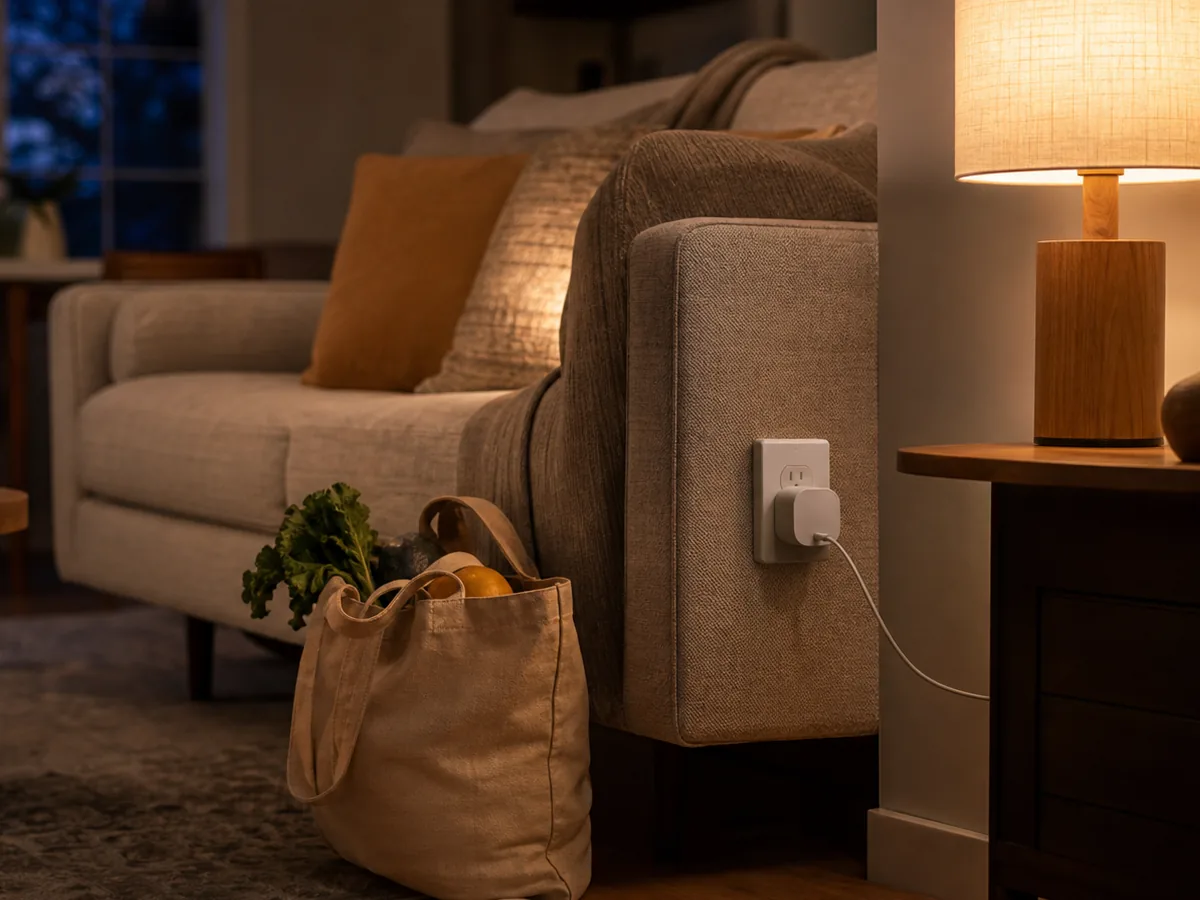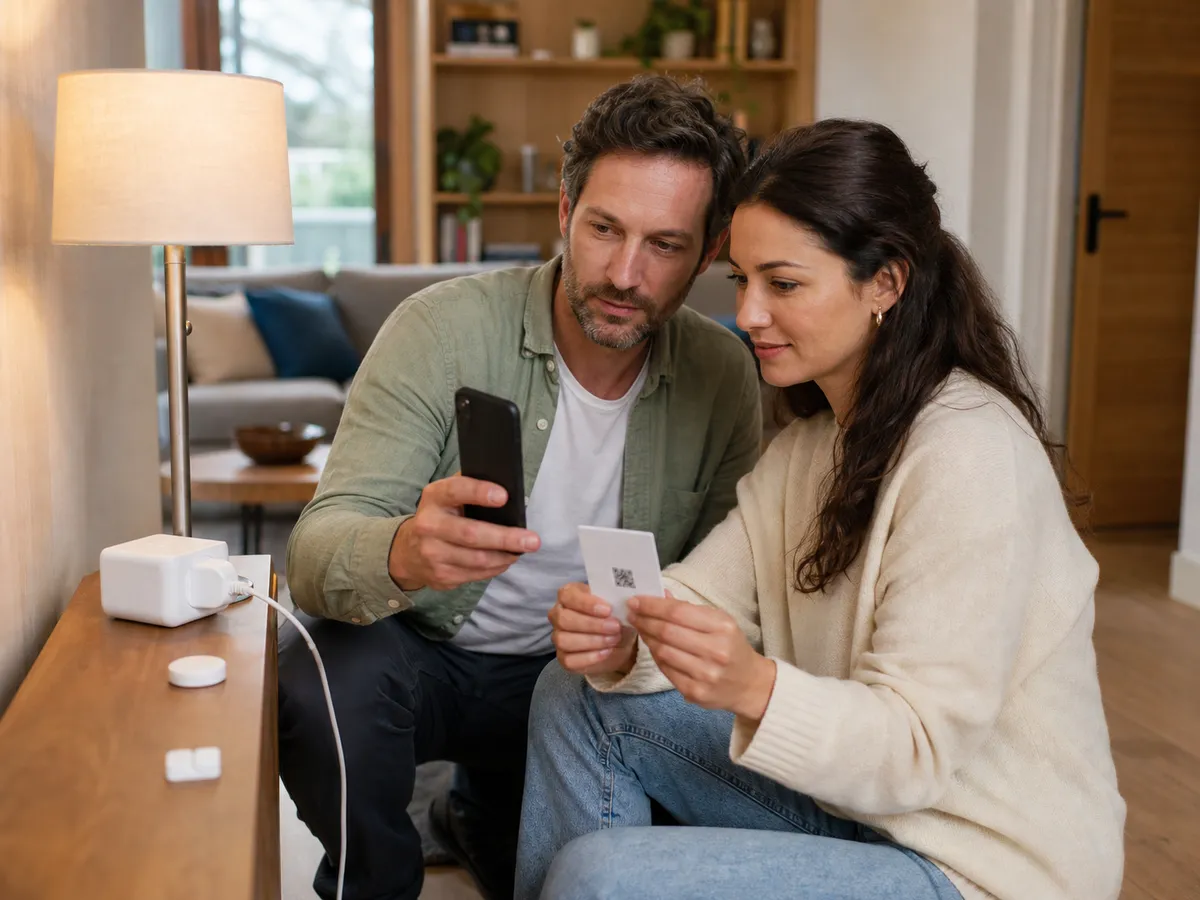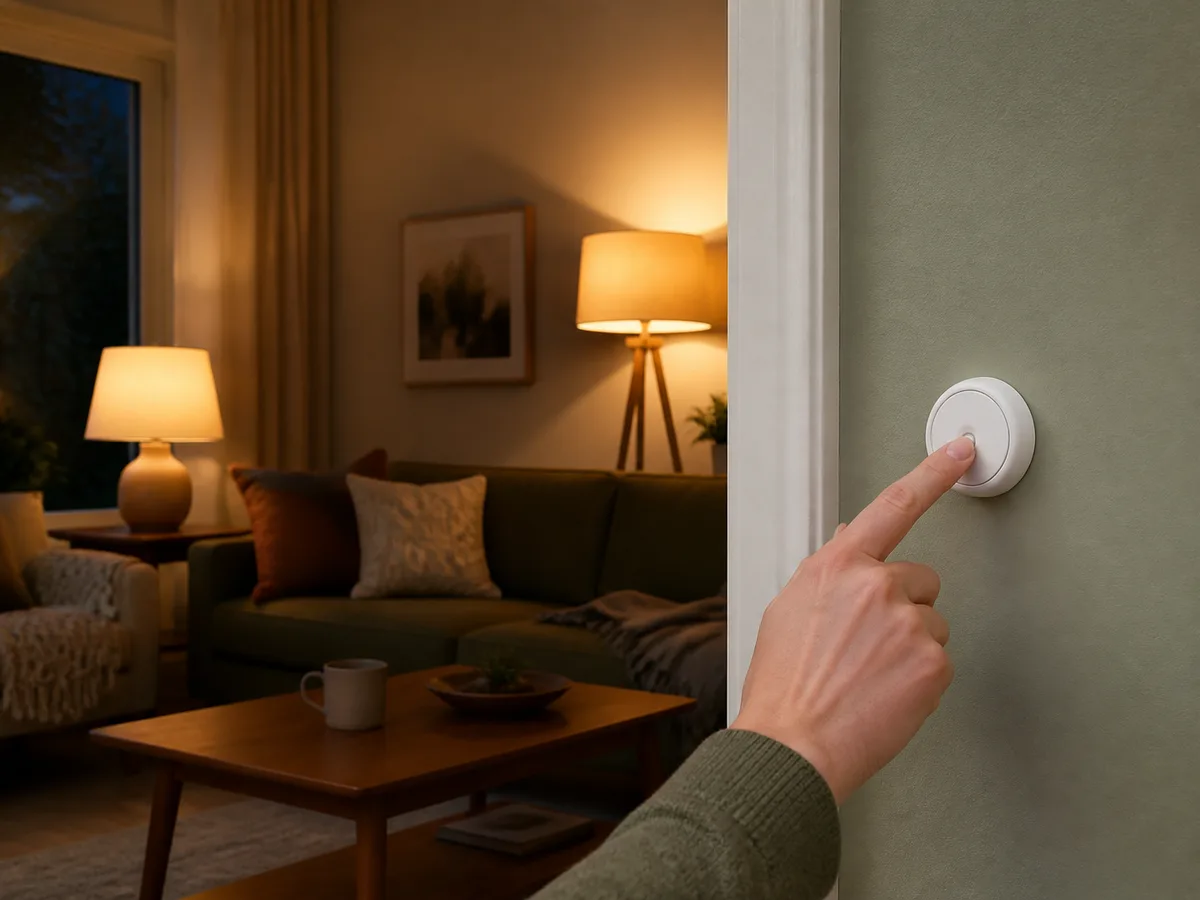
A phone app controls the lamps, but guests, children, and sleepy household members still need an obvious way to switch the room without hunting through screens.
Our take: Choose a simple battery button that works with the home’s existing hub or controller, then assign one clear action per press pattern. Reliability and placement matter more than packing many scenes onto one device.
Quick Picks by Household Need
Use these product types as a starting point. The right model still depends on measurements, compatibility, and the current details on the retailer or manufacturer page.
Best clear control
Single-action smart button
- Best for
- One lamp group, scene, or bedtime routine
- Tradeoff
- Limited actions from one physical control
Best room scenes
Multi-button scene controller
- Best for
- Living rooms with several repeated lighting states
- Tradeoff
- Labels and setup become more important
Best renter placement
Portable or adhesive wireless button
- Best for
- No-wiring control near beds and doors
- Tradeoff
- Battery and adhesive require maintenance
Comparison at a Glance
| Option | Best fit | Main compromise |
|---|---|---|
| Single-action smart button | One lamp group, scene, or bedtime routine | Limited actions from one physical control |
| Multi-button scene controller | Living rooms with several repeated lighting states | Labels and setup become more important |
| Portable or adhesive wireless button | No-wiring control near beds and doors | Battery and adhesive require maintenance |
What to Look For
Fit and placement
Choose a visible reachable location, test wireless range, and keep the button away from confusing traditional switch positions.
Everyday performance
Check supported press actions, response time, hub dependency, and whether automations continue when internet access is unavailable.
Upkeep and durability
Plan battery replacement, surface cleaning, secure mounting, and labels that remain understandable to guests.
Total cost and flexibility
Prefer compatibility with an existing controller instead of adding a new hub and app for a single button.
Buying Advice for Real Homes
Begin with the connected living room rather than the product page. Measure the available space, note nearby outlets or storage, and walk through the moment when you would actually use the a wireless smart button. A feature is valuable only when it removes friction from that routine.
Compare the three product types above by the compromise you can live with. Check the current dimensions, included accessories, warranty, return window, and care instructions on the manufacturer or retailer page before ordering; those details can change and often matter more than a long feature list.
When possible, test the decision with what you already own: mark the footprint with tape, notice the room's normal noise level, and identify who will clean, charge, store, or adjust the a wireless smart button. Buying for the least convenient day usually leads to a better long-term fit.
Mistakes Worth Avoiding
- Buying a button before checking hub compatibility
- Assigning different hidden actions to every press pattern
- Mounting it where visitors mistake it for a wired switch
- Letting a dead battery remove the only convenient control
How We Build This Guidance
We map the purchase to realistic rooms and routines, review the product category’s published specifications, identify compatibility and maintenance questions, and explain tradeoffs without manufacturing scores or personal experience. Product availability and features change, so verify current details before buying.
Frequently Asked Questions
Do smart buttons need a hub?
Many do. Some work through a specific bridge, while others use a compatible Thread, Zigbee, or platform controller.
Will they work without internet?
Local behavior may continue when the controller and automation run inside the home, but product and platform designs vary.
How many actions should one button control?
Use the fewest actions people can remember; one press for a main routine and perhaps one hold action is often enough.