A laptop screen is too cramped for spreadsheets, code, or a portable console setup, but a permanent desktop monitor is not practical. You want sharper-than-1080p text and smoother motion without carrying a full-size display.
Our take: Z3FC is a strong fit for users who can verify USB-C DisplayPort Alt Mode or use mini HDMI plus separate power. Its 2.5K panel is broadly useful; 180 Hz is a bonus only when the source, game, cable, connection, and power path support it.
Quick Picks by Household Need
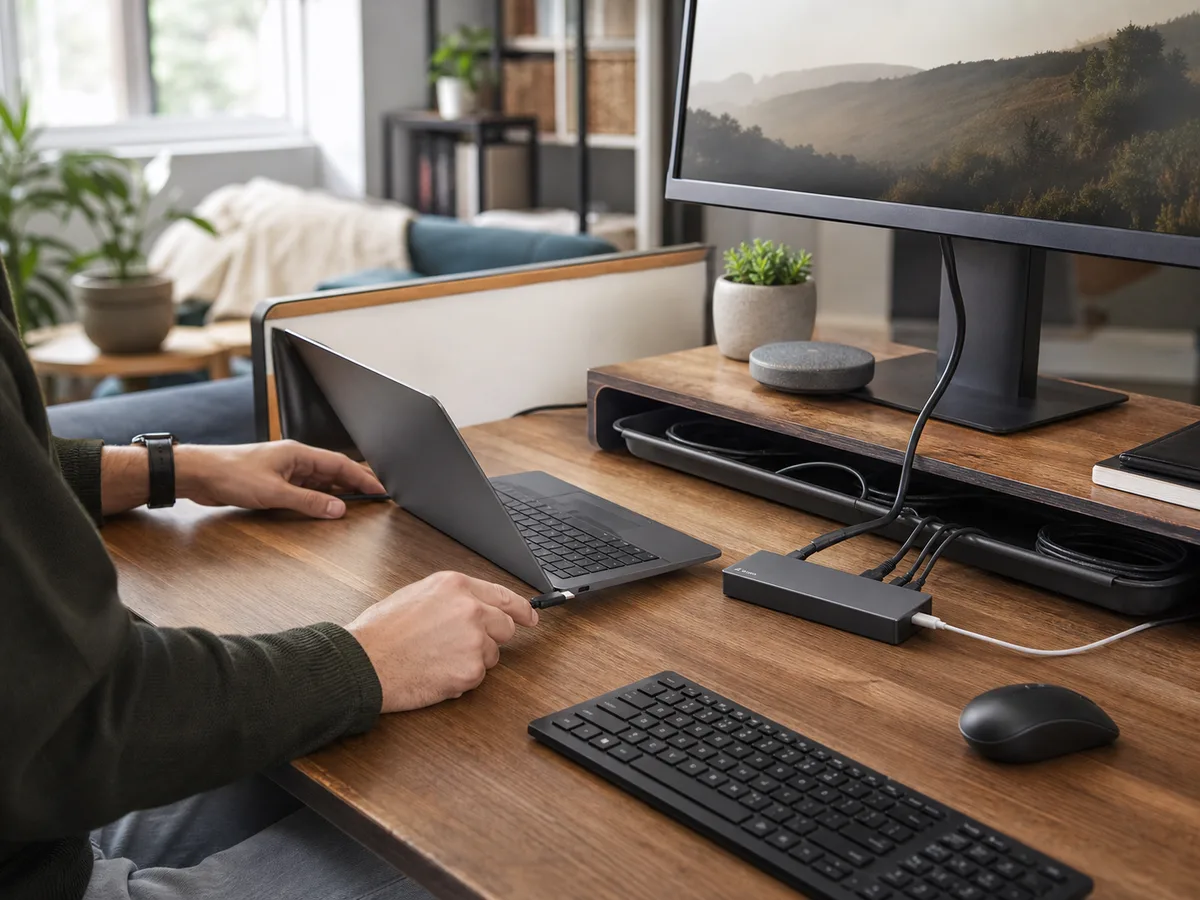
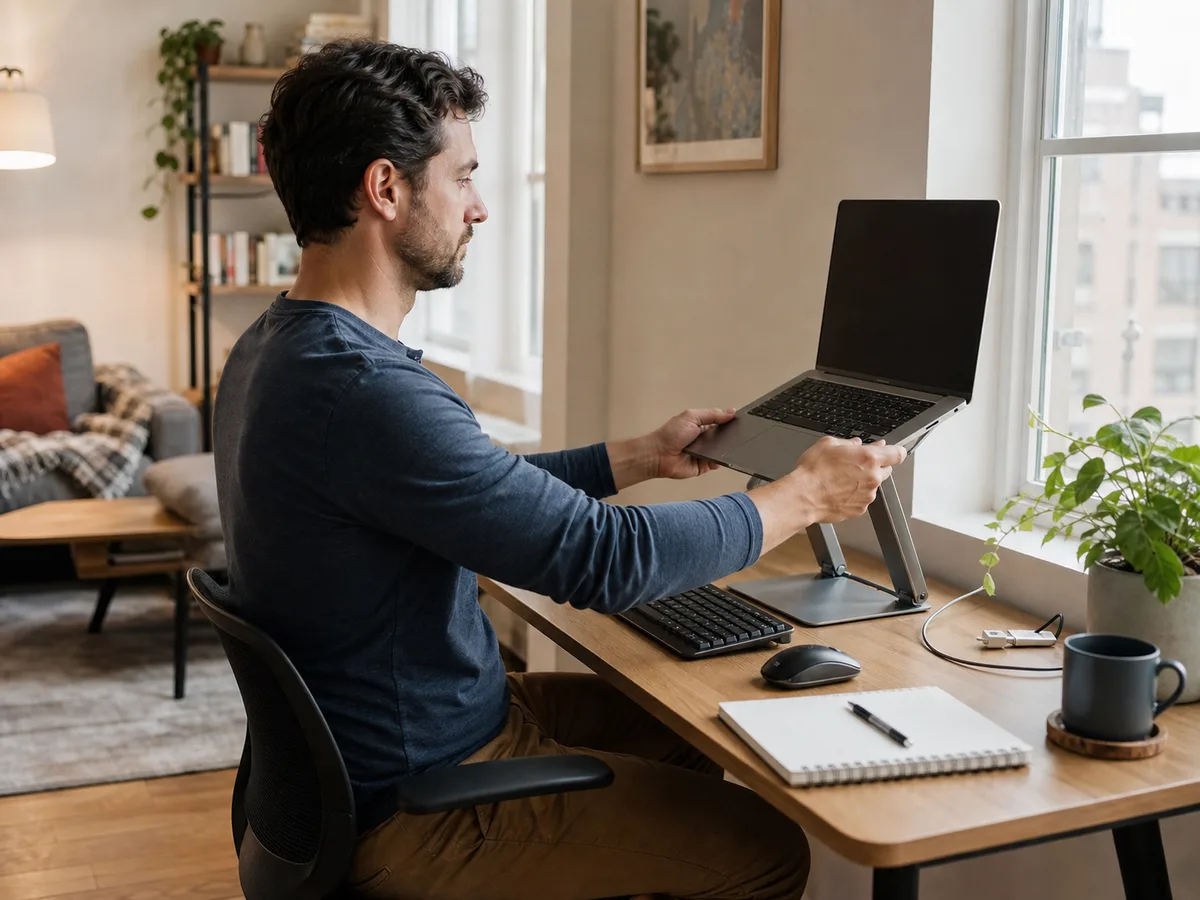
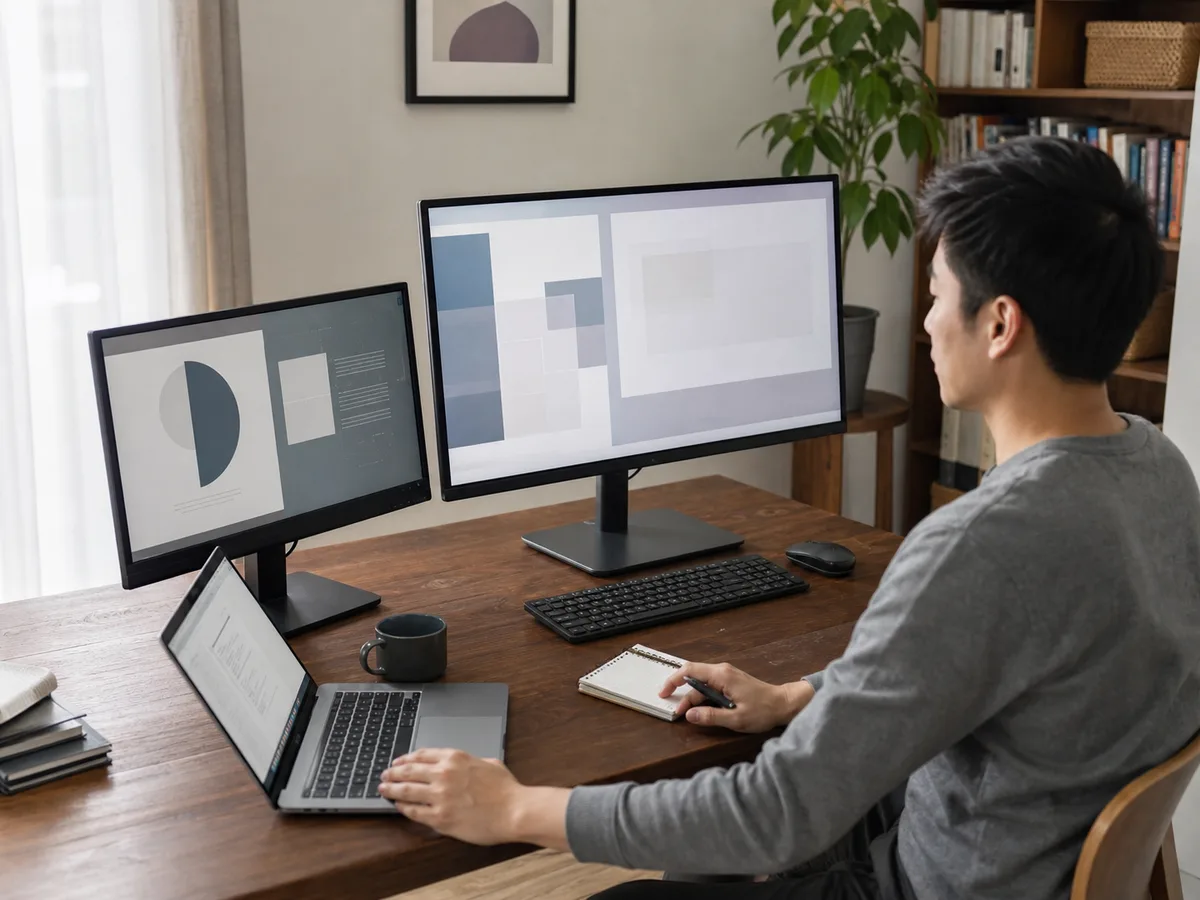
The product card uses a rights-safe editorial category image rather than pretending it is a photograph of the exact Z3FC unit.
Best for portable QHD work and high-refresh gaming
ARZOPA
Z3FC 16.1-inch Portable Monitor
Z3FC bridges portable office work and gaming better than a basic 1080p travel display. The purchase depends on connection compatibility: the laptop or console, cable, port, and available power must all support the intended resolution and refresh rate.
- Panel
- 16.1-inch IPS
- Resolution
- 2560 × 1440
- Refresh
- Up to 180 Hz
- Connections
- 2× USB-C and mini HDMI
- Weight
- 1.72 lb (manufacturer-listed)
- Best for
- Laptop users and portable gamers who can supply the correct USB-C video/power connection and benefit from QHD resolution or high refresh
Why it stands out
- QHD resolution in a portable 16.1-inch format
- High-refresh support and FreeSync
- Built-in stand with USB-C and mini-HDMI inputs
What to know
- 180 Hz is not guaranteed from every device or input
- External power may be needed for stable brightness and high-refresh operation
Main tradeoff: It has no battery or touch input, and 180 Hz depends on the source, cable, port, power, and connection mode
Check price on AmazonComparison at a Glance
Brightness, color-gamut, and refresh specifications are manufacturer-listed. The operating system and source device may expose fewer modes.
| Product | Best fit | Main tradeoff |
|---|---|---|
| ARZOPA Z3FC 16.1-inch Portable Monitor | Laptop users and portable gamers who can supply the correct USB-C video/power connection and benefit from QHD resolution or high refresh | It has no battery or touch input, and 180 Hz depends on the source, cable, port, power, and connection mode |
What to Look For
USB-C shape does not guarantee video
The source USB-C port must support DisplayPort Alt Mode for one-cable video. Some ports carry only power or data, so check the device manual rather than relying on the connector shape.
180 Hz is a complete signal chain
The computer or console, graphics output, cable, selected resolution, connection type, power supply, and display settings all influence the maximum refresh rate.
Portable still needs protection
A 16.1-inch panel requires bag space and a rigid-enough sleeve. Plan where it stands, how cables exit, and whether the work surface can protect the screen from pressure and drops.
Buying Advice for Real Homes
For office work, prioritize readable scaling, stand stability, and a reliable one- or two-cable setup. High refresh does not compensate for an awkward stand or unsupported port.
For consoles, verify the game and console output modes. A 180 Hz panel cannot create frames the source does not provide, and mini HDMI may use a different maximum mode from USB-C.
Test the monitor immediately with every intended device, cable, orientation, and power source while the return window is open.
Mistakes Worth Avoiding
- Assuming any USB-C port carries video
- Expecting 180 Hz from every console or HDMI path
- Powering the display from an unstable low-output port
- Packing the panel without rigid protection
How We Build This Guidance
We map the purchase to realistic rooms and routines, review the product category’s published specifications, identify compatibility and maintenance questions, and explain tradeoffs without manufacturing scores or personal experience. Product availability and features change, so verify current details before buying.
For this comparison, we resolved every supplied PartnerBoost short link to its intended Amazon ASIN, checked the latest available PartnerBoost product snapshot, and cross-checked public Amazon and official brand sources. Seller and manufacturer claims are identified as such, and no numeric score is assigned.
Frequently Asked Questions
Can the ARZOPA Z3FC work with one USB-C cable?
Yes when the source port supports video over USB-C and supplies enough power. Some setups still need a separate USB-C power connection.
Will a PS5 or Xbox run it at 180 Hz?
Not automatically. The console, game, selected resolution, supported output mode, and connection limit determine the available refresh rate.
Does the Z3FC have a battery?
No built-in battery is listed. It needs power from a compatible source device or a separate power supply.
Will the Z3FC work with my laptop or Mac?
It should work when the computer provides compatible USB-C DisplayPort Alt Mode or HDMI output and sufficient power. Confirm the exact port capabilities and required adapter before buying.
Does the ARZOPA Z3FC have a touchscreen?
No touch input is listed for this model. It should be treated as a portable external display rather than a touch-enabled tablet replacement.